
Quick Ask
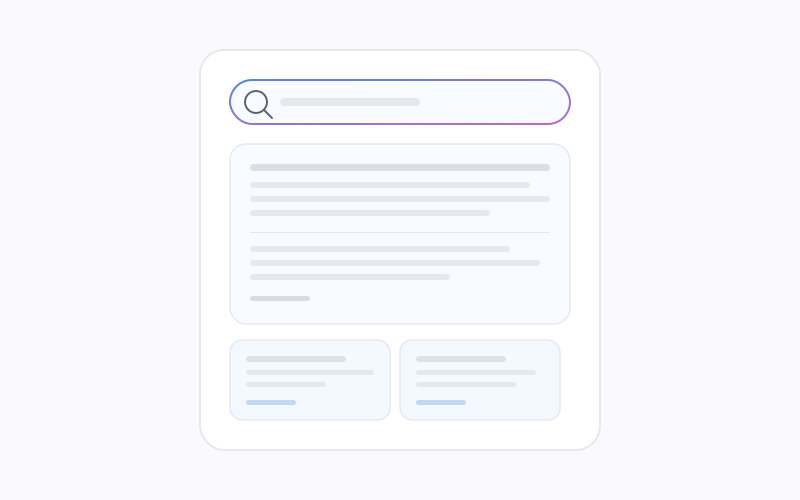
The Quick Ask overlay. invoke with Option+Space, ask a grounded question, follow citations, dismiss with Escape.
Last updated: 8 June 2026
What Quick Ask is
Quick Ask is an overlay that sits above other applications. You invoke it with a keyboard shortcut (default Option+Space on macOS), type a question, and receive a grounded answer drawn from Overshow's local captures. without switching context to the main window.
How to use it
- Press the shortcut from any app.
- Enter your question in the overlay field.
- Read the answer; open citations when you need to verify sources.
- Press Escape to dismiss the overlay and return to what you were doing.
Citations and Sources
Citations in Quick Ask link into Sources so you can inspect the underlying capture, timestamp, and text. That keeps answers auditable and reduces reliance on memory alone.
Customising the shortcut
The default is documented in Keyboard shortcuts. You can change shortcuts in Settings under the App tab when the product exposes remapping.
Quick Ask uses locally stored content. If capture was paused or excluded, answers will not invent missing material.