
Meetings
The Meetings view. lists, statuses, summaries, transcripts, templates, re-summarisation, and deletion.
Last updated: 23 September 2026
Availability
The Meetings view and meeting panel are unavailable in the default build. This page describes an experimental build with meeting support. General Sources remains the place to open retained transcript text from search results.
Meeting list
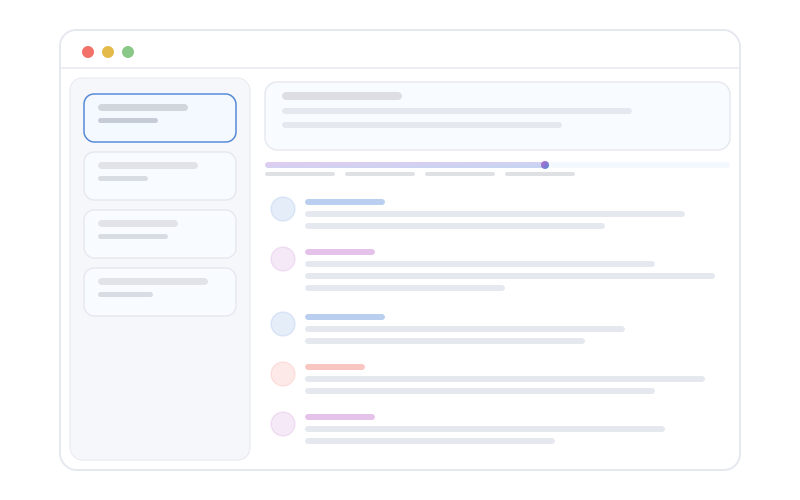
The Meetings view (/meetings) shows a list of meetings with a status for each (for example, processing, ready, or failed. exact labels follow the live UI). Use the list to pick up where a session left off or to review historical calls.
Meeting detail
Opening a meeting shows a detail layout that typically includes:
- Summary: condensed narrative of what mattered.
- Transcript: searchable or scrollable speech text when transcription is available.
- Action items: extracted or highlighted follow-ups where the pipeline surfaces them.
- Participants: who was associated with the session when that metadata exists.
Summary template
You can choose or change the summary template for how Overshow structures the write-up (for example, emphasis on decisions versus narrative). Template availability depends on product configuration and model capabilities.
Re-summarisation
When the underlying transcript or settings change, use re-summarisation to regenerate the summary. The app may show progress or a busy state while work completes.
Delete meetings
You can delete meetings you no longer want in the local store. Deletion is permanent for that meeting's artefacts in Overshow. Confirm destructive actions in any confirmation dialog the app presents.
Meeting features depend on capture, permissions, and optional calendar or provider linkage configured in Settings.