
Sources
Verifying captured sources and reviewing UI interactions in the desktop app.
Last updated: 12 July 2026
What Sources is for
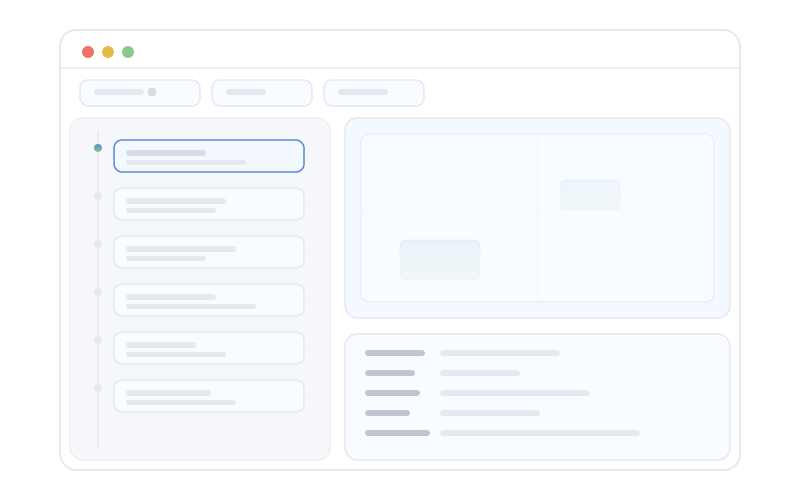
Sources (/sources) is where you verify the captured context behind search and Ask. It combines screen text, meeting transcripts and indexed document chunks in one master/detail browser.
Browsing and filtering
- Filter by source type or search the loaded source list.
- Select an item to see its full extracted text and metadata.
- Open eligible web pages from their source detail.
Interactions
When UI interaction capture is enabled, the Interactions view sits beside captured sources. It shows selections, clipboard copies, clicks and focus changes in a Sources-style list and detail pane. Filters narrow by interaction kind or to rows where user intent was observed.
The interaction surface follows the same local capture and exclusion policy as the rest of the app. Redacted or omitted payloads are labelled instead of reconstructed.
Coming from Search or Ask
- Search result citations can deep-link into Sources with the cited item in context so you can verify its wording.
- Quick Ask answers include citations; following one opens the relevant record in Sources.
Workflow tip
When a search result snippet is ambiguous, open it in Sources before relying on it in external work.
Citation links carry the source type and row identifier so Sources can load an item even when it falls outside the recent list.